
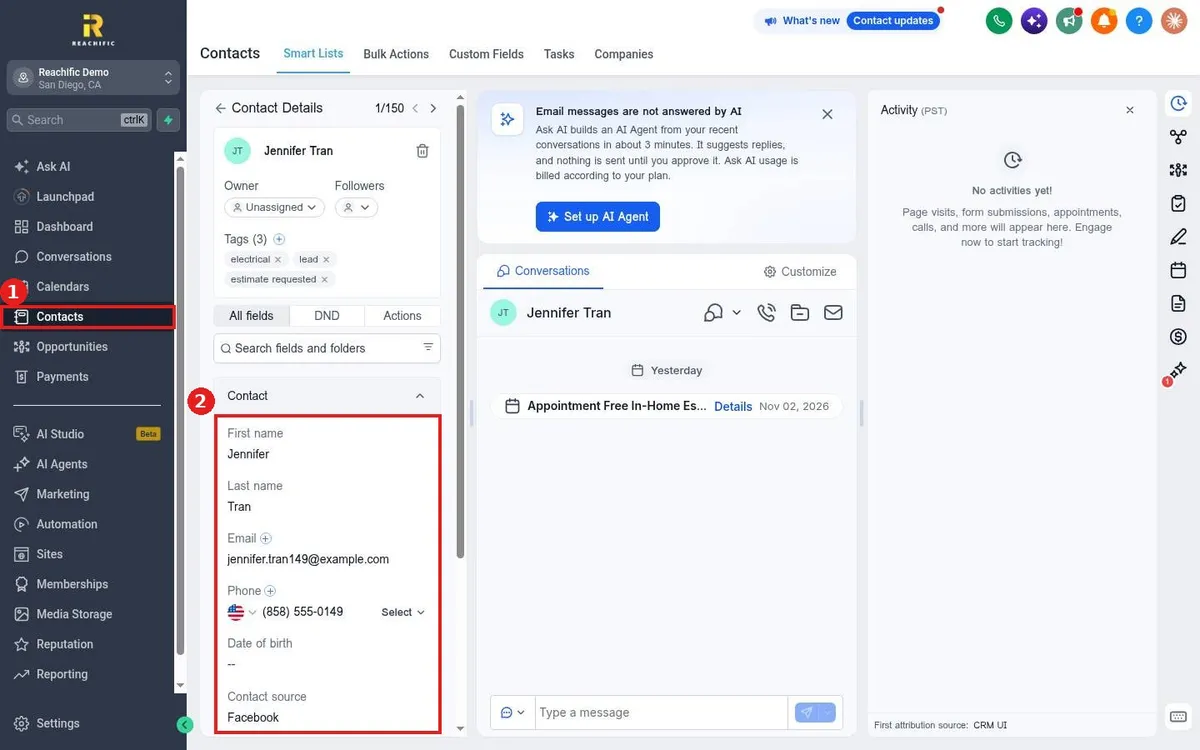
How do I edit a contact's details?
Published on: 03/11/2026
Edit a contact in Reachific: open Contacts, click the contact's name, then click any field in the left panel such as name, email or phone, type the new value and save.
edit contactupdate contactcontact fieldshelp center